
RFID BarcodeLabel Printers for Shipping: How to Print and Encode RFID Labels
Posted by Advanced Automation on Nov 10th 2026
RFID · Shipping Labels | By Advanced Automation
Last reviewed November 10, 2026
In This Post
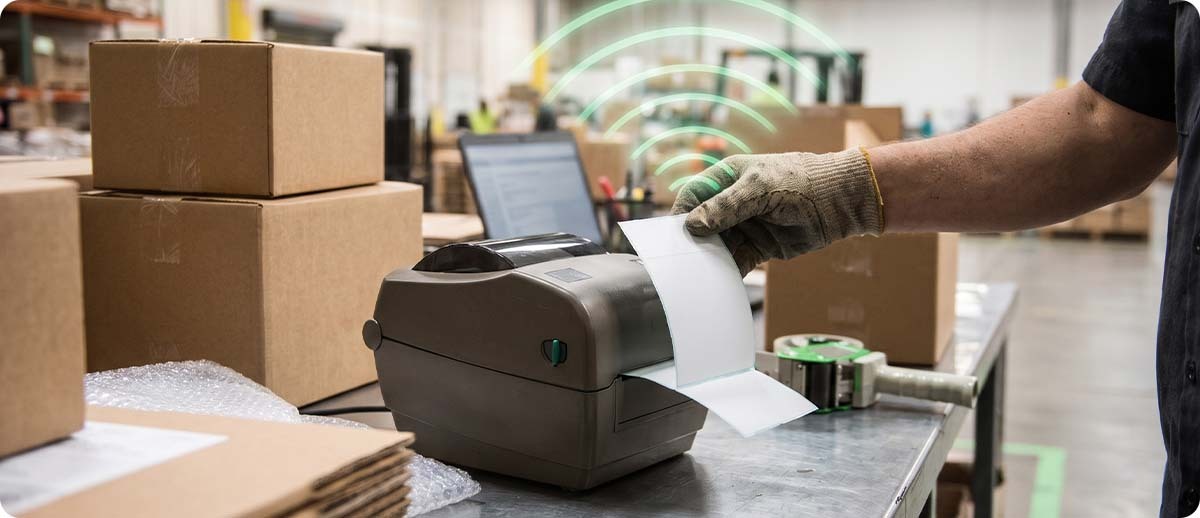
UPS now reads RFID labels on millions of packages a day, and more shippers are being asked to print them at their own docks. An RFID shipping label looks like any other 4x6, but printing one takes a printer that can encode the chip inside it. Here's which RFID label printer fits your operation, how to set it up, and how to fix the voided labels that trip up almost everyone at first.
RFID Shipping Label Key Facts
- The news: UPS said on October 30, 2026 that shippers at 315 customer locations print UPS RFID labels, covering about 3 million packages a day, with a goal of 6 million a day in 2027.
- What it takes: an RFID label printer, which prints the barcode and encodes the chip in the same pass. A standard thermal printer can print on RFID labels but can't encode them.
- Setup: RFID calibration is separate from media calibration and needs to be run for each new label type.
- Failed tags: when a tag won't encode, the printer marks that label VOID and tries the next one.
- Common sizes: 4-inch desktop, industrial, and mobile printers all come in RFID versions that handle 4x6 shipping labels.
For years, RFID on shipping labels was something big retailers asked for and most shippers put off. That's changing fast. When the largest parcel carrier in the country builds RFID readers into its trucks and starts handing labeling to shippers, the question stops being "do we need RFID?" and becomes "can our printers do it?"
Start Here
What Changed With RFID Shipping Labels
What Is an RFID Shipping Label?
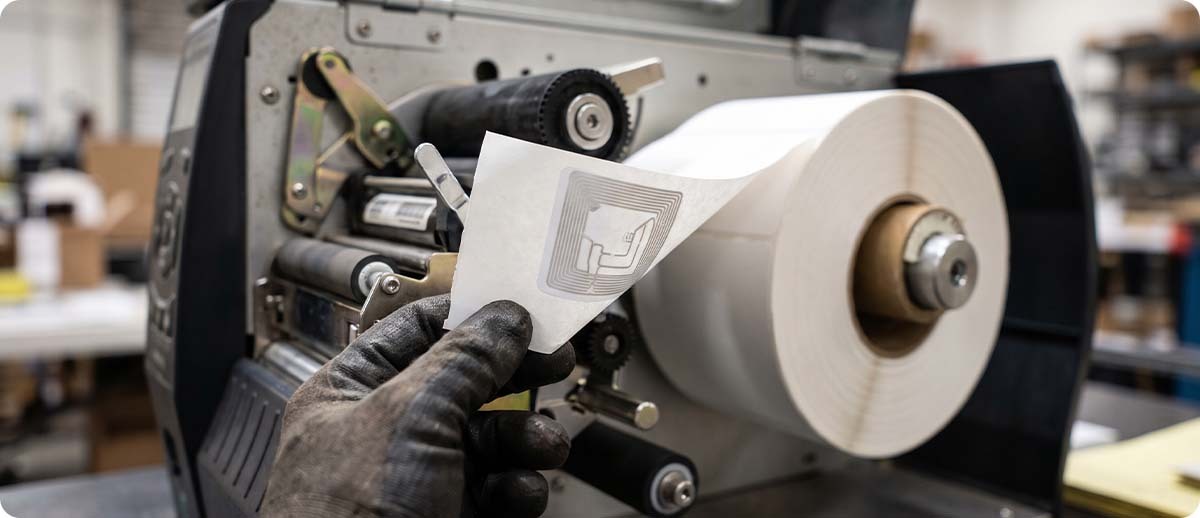
An RFID shipping label is a regular thermal label with a thin RFID inlay, a tiny chip and antenna, sealed inside it. The printed side still carries the address and barcode, so people and scanners can read it the usual way. The inlay holds a unique number that an RFID reader can pick up by radio, with no line of sight, so a package can be logged as it rolls past a reader instead of waiting for someone to aim a scanner at it. Most shipping and supply chain tags are passive UHF tags, the kind our passive vs. active RFID guide covers.
Why Are Shippers Hearing About RFID Labels Now?
Because UPS is building its network around them. UPS has put RFID readers in its U.S. delivery vehicles and package facilities, and it now offers RFID labeling at customer sites so packages are tagged before they ever reach a UPS building. On its October 30, 2026 earnings call, UPS said it had RFID labeling running at 315 customer locations, covering about 3 million packages a day, up from 2.2 million in July. Its goal is 6 million a day in 2027. For those packages, the truck reads the label at pickup, so the shipper sees the package in the system sooner and UPS has fewer missed pickups. Supply Chain Dive has the details.
UPS hasn't published label or printer requirements for its customer program, and enrollment runs through UPS. If you're interested, start with your UPS account rep. The hardware side is the same no matter who's asking, though, whether it's a carrier, a big-box retailer, or your own warehouse team.
An RFID label is only useful if the chip is encoded correctly. That's the printer's job, and it's where most of the setup work lives.
Buy Right
Choosing an RFID Label Printer
Can a Regular Thermal Printer Print RFID Labels?
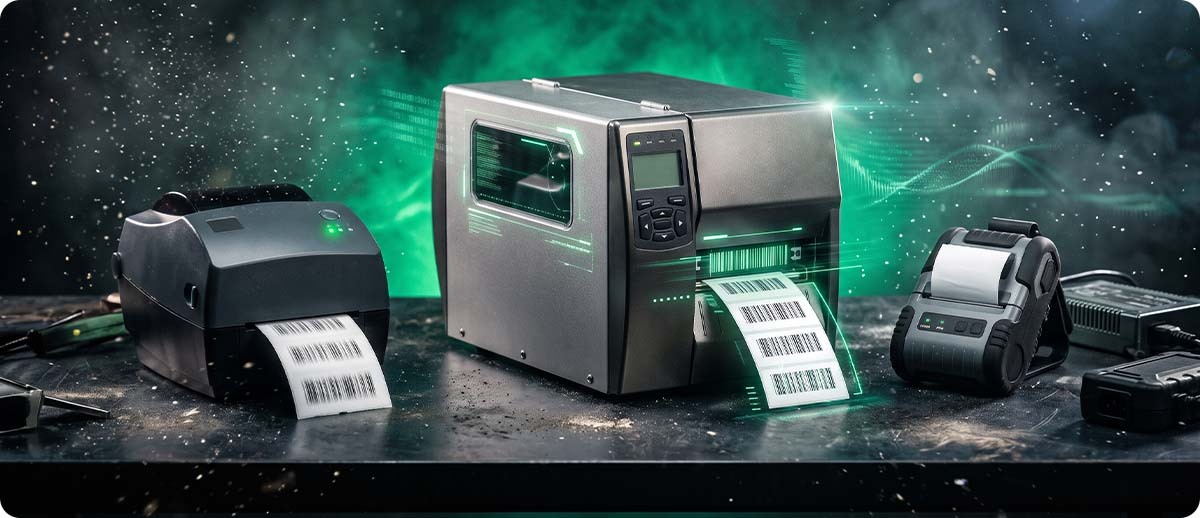
It can print on them, but it can't encode them. An RFID label printer has a built-in RFID reader/encoder and antenna in the media path. As each label passes over the antenna, the printer writes the data to the chip, checks that it took, and prints the face of the label. Without that encoder, you end up with a label that looks right but carries a blank or wrong tag. For 4x6 shipping labels, these are the printers we see most:
Shipping desk
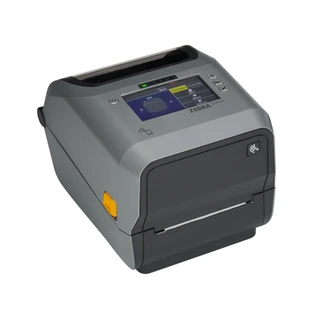
Zebra ZD621 RFID
A 4-inch desktop printer with built-in UHF RFID encoding. A good fit for a shipping station printing hundreds of labels a day, and it runs the same 4x6 media sizes your team already knows.
Learn more →High volume
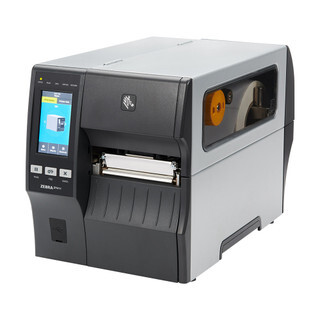
Zebra ZT411 RFID
An industrial printer for shipping lines that run all shift. It takes larger rolls, so there are fewer changeovers, and its RFID menu lets you fine-tune encoding right from the display.
Learn more →On the floor
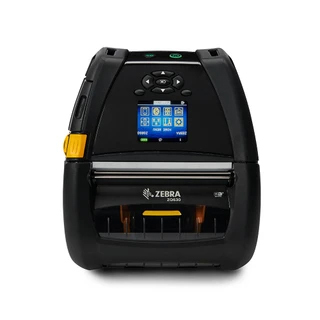
Zebra ZQ630 Plus RFID
A 4-inch mobile printer that encodes RFID labels on a belt clip or a cart, so workers can tag pallets and cases where they sit instead of walking back to a print station.
Learn more →Alternative
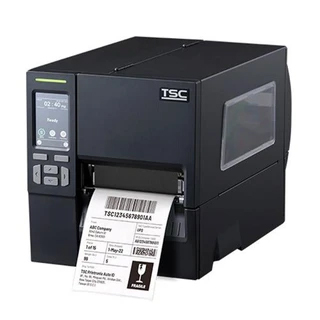
TSC Printronix MB241T / MB341T RFID
A mid-range industrial RFID option from TSC Printronix, in 203 or 300 dpi. Worth a look if your fleet already runs TSC or you want a second quote.
Learn more →Pick the printer the same way you would for barcode labels (volume, label size, where it sits), then make sure it's the RFID version. The RFID encoder is what you're adding, not a different kind of printer.
Which RFID Labels Work for Shipping?
Use RFID labels that are made and tested for your printer model, in the size your shipping software prints. Most shipping labels only need to last a few days to a few weeks, so direct thermal RFID labels are common, the same way plain direct thermal is the default for regular 4x6s. Our post on whether barcode labels expire explains when that's fine and when to switch to thermal transfer. If a carrier or customer gives you a label spec, follow it exactly, including the inlay they call for. A different inlay can read very differently on the same box.
Set It Up
How to Print and Encode RFID Shipping Labels
What Are the Steps to Set Up an RFID Label Printer?
The short version: load the right labels, calibrate twice (media first, then RFID), send the encoding data from your software, and check the first labels with a reader. The menu names below are from Zebra's industrial printers, and other models work the same way.
Load the RFID labels and run a normal media calibration so the printer knows where each label starts. A bad media calibration causes skipped labels and voids later, so don't skip it.
From the RFID menu, run RFID Calibrate. The printer feeds labels and finds the best programming position, antenna, and read and write power for that inlay. On a 4x6 it can take several minutes, and it uses up a few labels.
Your label software, WMS, or shipping system sends the tag data along with the print job. In Zebra's ZPL language, that's the ^RF command. Make sure the data format matches what the carrier or customer asked for.
Use the printer's Read RFID Data option or a handheld RFID reader to confirm the first labels carry the right numbers. Then watch the printer's void count for the first few rolls.
When Do You Need to Recalibrate?
Recalibrate whenever you change label size, label part number, or inlay type, and after any service on the printer. Calibration is matched to one inlay in one position, so settings from last month's labels may not work on a new lot from a different supplier. If you only ever run one RFID label, you'll rarely need to touch it. Zebra's ZT411 RFID menu guide lists every setting if you need to adjust one by hand.
Fix It
Voided RFID Labels and How to Stop Them
Why Is My Printer Printing VOID on RFID Labels?
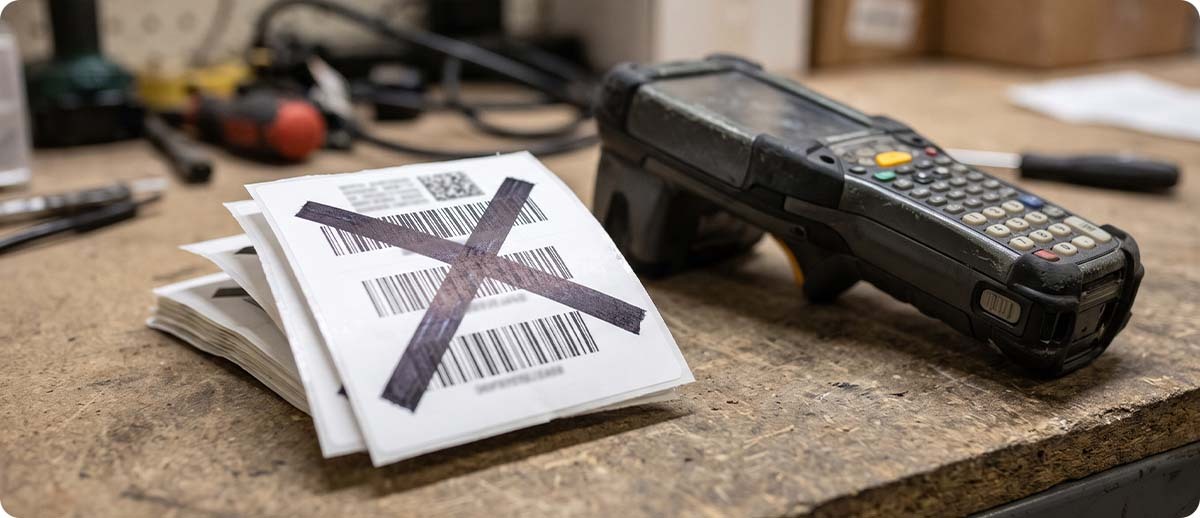
The printer prints VOID when it couldn't encode or verify the tag on that label, so it marks the label as bad and tries again on the next one. A handful of voids is normal, because a small share of inlays come off the roll defective. If you're voiding more than a few percent of labels, or every label, something in the setup is off. These are the usual causes, roughly in the order to check them:
Decide
Which Setup Fits Your Dock?
Best fit · Desktop
When Is a Desktop RFID Printer Enough?
If you ship from one or two packing stations and print up to a few hundred labels a day, a desktop printer like the ZD621 RFID is usually the right size. It's the least expensive way to start printing RFID shipping labels.
Best fit · Industrial
When Should You Step Up to an Industrial RFID Printer?
If labels print all shift, feed a print-and-apply line, or come off a roll change every hour on a desktop printer, move to an industrial model like the ZT411 RFID. Bigger rolls and a tougher print mechanism pay off fast at that volume.
Best fit · Mobile
When Does a Mobile RFID Printer Make Sense?
If you tag pallets, oversized freight, or cases out on the floor, a mobile printer like the ZQ630 Plus RFID saves the walk. Our ZQ630 Plus overview covers the printer itself.
Worth a second look
When Are Plain Barcode Labels Still the Right Call?
If no carrier or customer is asking for RFID and your packages already get scanned reliably, there's no rush. RFID labels cost more per label than plain ones, and they only pay off when something downstream reads them. Our RFID vs. barcode cost and ROI guide walks through when the switch is worth it.
FAQ
Quick Questions
Do I Have to Use RFID Labels to Ship With UPS?
No. Standard UPS shipping labels still work. UPS's customer-site RFID labeling is a program it sets up with shippers, so talk to your UPS account rep if you're interested in joining.
Can I Add RFID to the Printer I Already Have?
Sometimes. Some industrial models can take a field-installed RFID upgrade, but many desktop and mobile printers have to be bought as RFID models. Send us your model and serial number, and we'll tell you whether yours can be upgraded or needs replacing.
Will My Shipping Software Print RFID Labels?
Only if it sends the encoding data along with the label. Label design software like BarTender and Loftware supports RFID encoding, and many WMS and shipping systems can send it too. If yours only sends a picture of the label, the tag won't get encoded. Test a few labels before you go live.
Why Does an RFID Label Read Poorly on Some Boxes?
Metal and liquids absorb or reflect radio signals, so a tag on a can of paint or a case of bottled drinks can be hard to read even when it was encoded perfectly. Placing the label on a side away from the contents helps, and there are inlays designed for tough products. Test your hardest boxes first.
RFID shipping labels are moving from a big-retailer request to something carriers are building their networks around. If you're getting asked about RFID, or you just want to be ready, tell us how your shipping area runs today: label volume, the software that prints your labels, and what you're shipping. We'll help you pick the right printer and labels and get encoding working the first time. You can also browse our RFID printers.
Keep Reading
Customers Also Checked These Out