Zebra ZT610 and ZT620: How to Change DPI Without a Conversion Kit
Posted by Advanced Automation on Aug 27th 2026
By Advanced Automation, Inc. | Printer Tips & Maintenance | ZT610 and ZT620 DPI Guide
This comes up often enough that it's worth a clear explanation of exactly how it works, which printhead you need, and what to expect when you make the swap.
How DPI Works on the ZT610 and ZT620
Why does DPI live in the printhead and not the printer body?
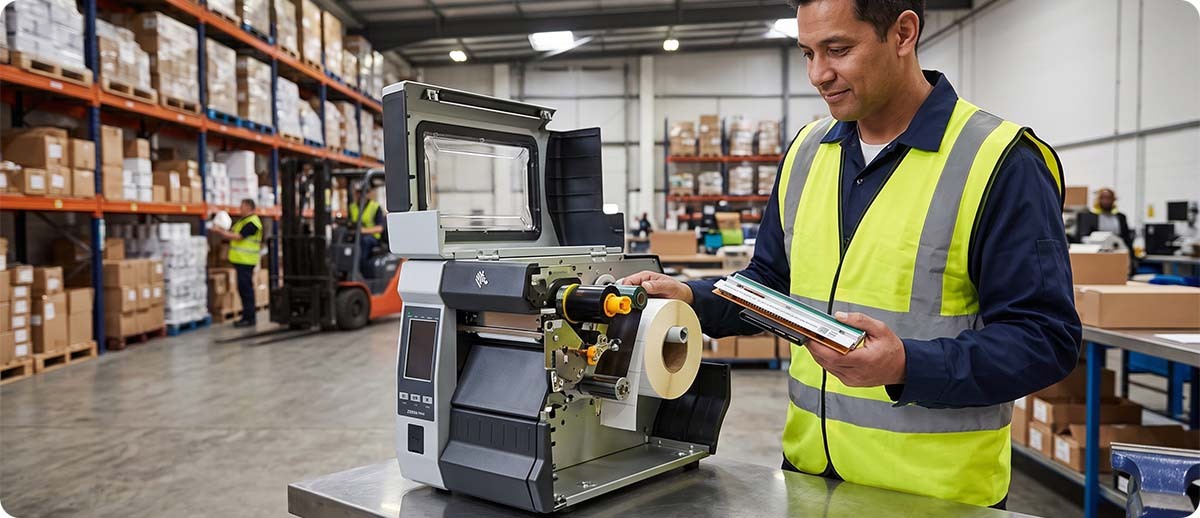
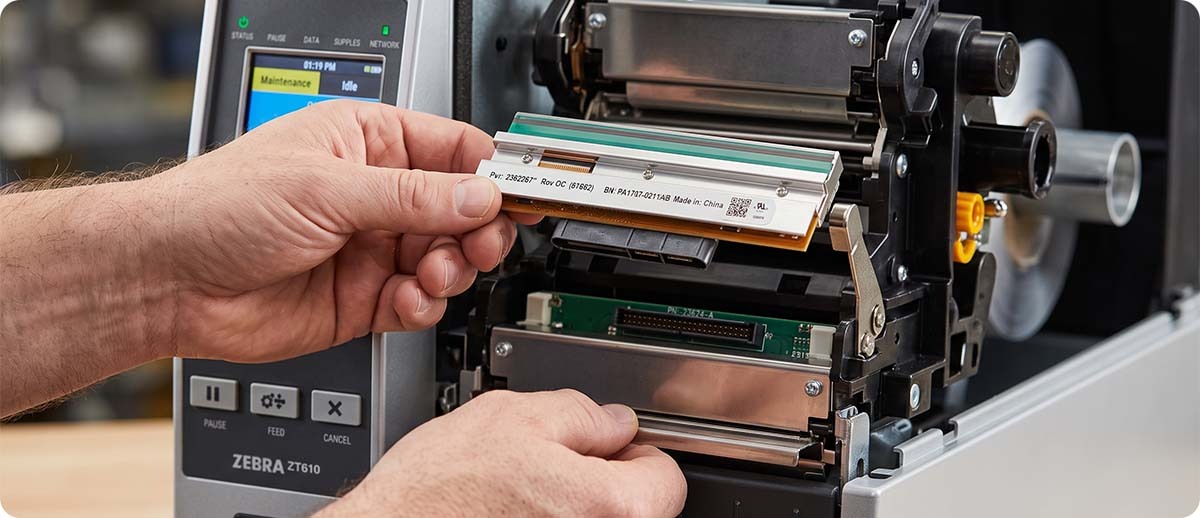
DPI, dots per inch, refers to the density of the heating elements on the printhead itself. A 203 DPI printhead has 203 heating elements per inch across its print width. A 300 DPI printhead has 300. A 600 DPI printhead has 600. The printer body, motor, and electronics are identical across DPI configurations. Only the printhead changes. This is exactly why swapping the printhead is all that's needed to change the DPI of a ZT610 or ZT620.
When you install a different DPI printhead, the ZT610 and ZT620 firmware reads the printhead's identification and automatically adjusts all print settings to match the new resolution. You don't need to update firmware, change configuration settings manually, or do anything beyond the physical swap. The printer detects it and configures itself.
Are there any conversion kits required?
No. There are no DPI conversion kits for the ZT610 or ZT620. The question comes up because some older Zebra printer generations required additional hardware or calibration procedures to change DPI. On the ZT610 and ZT620, the printhead swap is the entire process. No kit, no additional parts, no service call required.
Which Printhead Do You Need?
What DPI options are available on the ZT610?
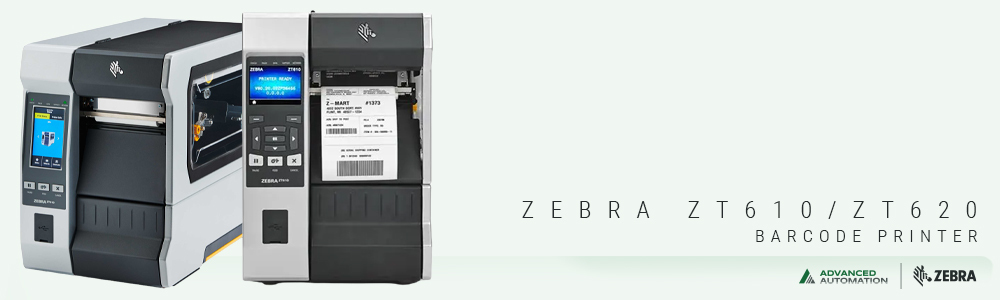
The ZT610 is available in 203 DPI, 300 DPI, and 600 DPI. The 600 DPI option is unique to the ZT610 and is not available on the ZT620. This makes the ZT610 the right choice if your application requires 600 DPI for small labels, dense 2D barcodes, or fine text that 300 DPI doesn't render sharply enough.
The ZT620 is available in 203 DPI and 300 DPI only. If you need 600 DPI and you have a ZT620, you would need to move to a ZT610 platform. A printhead swap on a ZT620 cannot reach 600 DPI because the printer platform doesn't support it regardless of the printhead installed.
When does upgrading to 300 DPI or 600 DPI actually make a difference?
203 DPI handles standard shipping labels, inventory tags, and general-purpose barcode labels without any issue. If your labels are primarily 4x6 or larger with a standard Code 128 or GS1-128 barcode and readable text at 10 points or larger, 203 DPI produces quality output and runs at the fastest print speed.
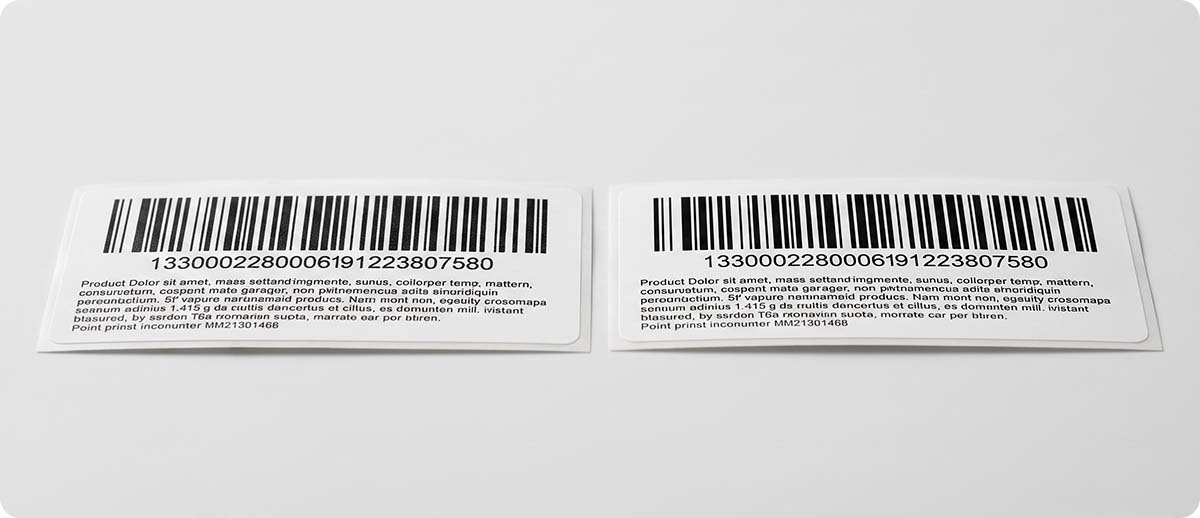
300 DPI is worth the upgrade when labels carry detailed graphics, smaller human-readable text, or 2D barcodes like Data Matrix or QR codes where the module size is small enough that 203 DPI produces inconsistent edges. If your scan reject rate is higher than expected on 2D codes, moving from 203 to 300 DPI often resolves it.
600 DPI is for applications where label real estate is very limited and print quality at small scales is critical. Electronics component labels, pharmaceutical unit dose labels, and serialized 2D codes in very small formats are the most common 600 DPI use cases. At 600 DPI on the ZT610, labels as small as 3mm are reliably readable.
The Printheads at Advanced Automation
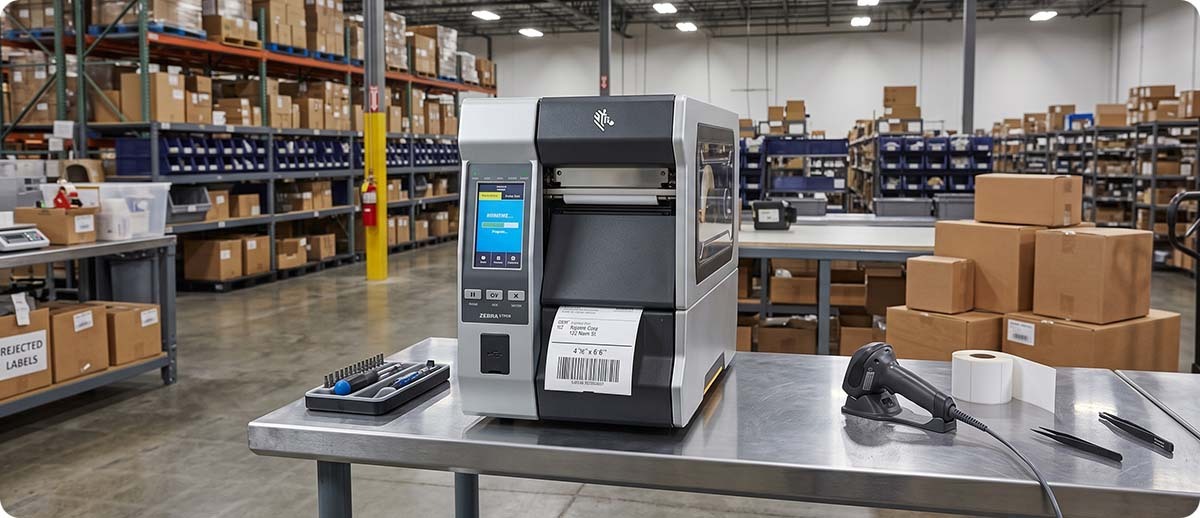
We stock all ZT610 and ZT620 printhead SKUs in-house and ship same day when ordered by 3:00 PM CST. Every printhead is 100% genuine Zebra OEM, not aftermarket or refurbished, and carries a full 12-month Zebra manufacturer warranty.
ZT610 Printheads
P1083320-010: ZT610 203 DPI printhead
P1083320-011: ZT610 300 DPI printhead
P1083320-012: ZT610 600 DPI printhead
ZT620 Printheads
P1083320-015: ZT620 203 DPI printhead
Shop ZT610 and ZT620 Printheads →Free Printheads Program: Advanced Automation offers a free printheads program that can save you significantly if your operation goes through printheads regularly. Contact us to find out if your printer qualifies.
What to Expect After the Swap
Once the new printhead is installed, power the printer on and run a configuration label. The printer will show the new DPI in the printhead section of the config label, confirming the firmware has detected and accepted the new resolution. No manual configuration changes are required.
One thing worth checking after a DPI change: your label templates. If you're moving from 203 DPI to 300 DPI, the printer is now printing at a higher dot density which can affect the physical size of barcode elements if your label design software is sending absolute dot-count commands rather than physical measurements. Most modern label software handles this transparently, but it's worth printing a test label and scanning it before committing to a full production run at the new DPI.
Ribbon selection should also be reviewed. At higher DPI, especially 600 DPI, resin ribbon typically produces the cleanest results. A wax ribbon that works well at 203 DPI may not produce the sharp edges needed at 600 DPI for small label applications. If you're moving to 600 DPI for fine detail work, resin ribbon is the right pairing.
Quick Questions
Can I swap a ZT610 printhead into a ZT620 or vice versa?
No. The ZT610 and ZT620 use different printhead part numbers because they have different print widths, 4-inch and 6-inch respectively. The physical connector is the same but the printhead widths are different and they are not interchangeable between models. Make sure you're ordering the printhead for your specific model before placing the order.
Will changing the printhead void my printer warranty?
Printhead replacement is a user-serviceable procedure on the ZT610 and ZT620 and does not void the printer warranty. Zebra designs these printers with user-replaceable printheads specifically so that customers can swap them without a service call. The printhead itself carries its own separate 12-month warranty from the date of purchase.
My ZT620 is currently 203 DPI. Can I get 600 DPI by swapping the printhead?
No. The ZT620 platform does not support 600 DPI regardless of which printhead is installed. The 600 DPI option is only available on the ZT610. If 600 DPI is a requirement for your application, you need a ZT610. We can help you evaluate the ZT610 configurations if that's where your application is heading.
If you're not sure which DPI printhead is right for your application, or if you have questions about the swap procedure, fill out the form below or call us at 1-800-728-8889. We stock all ZT610 and ZT620 printhead SKUs in-house and can usually get your order out same day.