
When a Barcode Scanner Isn't Enough: The Case for Mobile Computers in Field Operations
Posted by Advanced Automation on Aug 18th 2026
By Advanced Automation, Inc. | Barcode Scanners & Mobile Computers | Field Operations Device Guide
Both handheld barcode scanning devices and mobile computers have their place in field operations. The mistake most operations make isn't choosing the wrong one outright. It's underspeccing because a scanner looks cheaper upfront, then discovering six months in that workers are working around limitations that slow them down every shift. This guide lays out the scenarios where a scanner covers everything you need, and the ones where it doesn't.
What a Handheld Barcode Scanner Does Well
When is a dedicated barcode scanner the right field operations device?
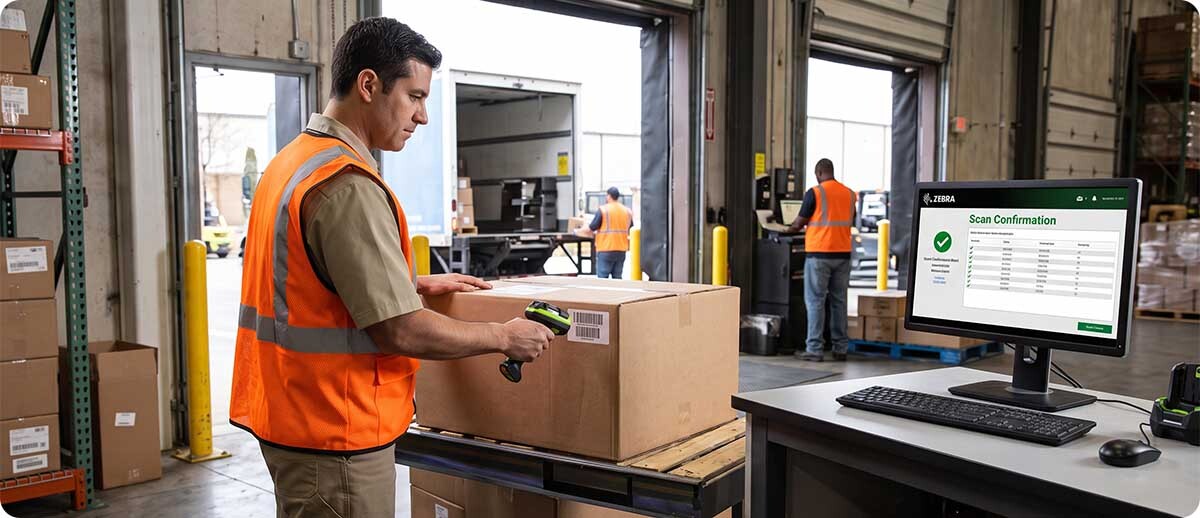
A dedicated handheld barcode scanning device is the right choice when the workflow is simple and contained: scan a barcode, confirm it registered, move to the next item. That covers a lot of ground. Receiving barcodes at a dock door and passing the scan to a connected terminal. Scanning items at a fixed workstation tied to a PC or WMS via USB or Bluetooth. Verifying picks against a list that lives in another system. If the worker's job is to scan and the decision-making and display happen somewhere else, a scanner is the right tool and it's typically more durable, lighter, and lower cost than a mobile computer for that specific job.
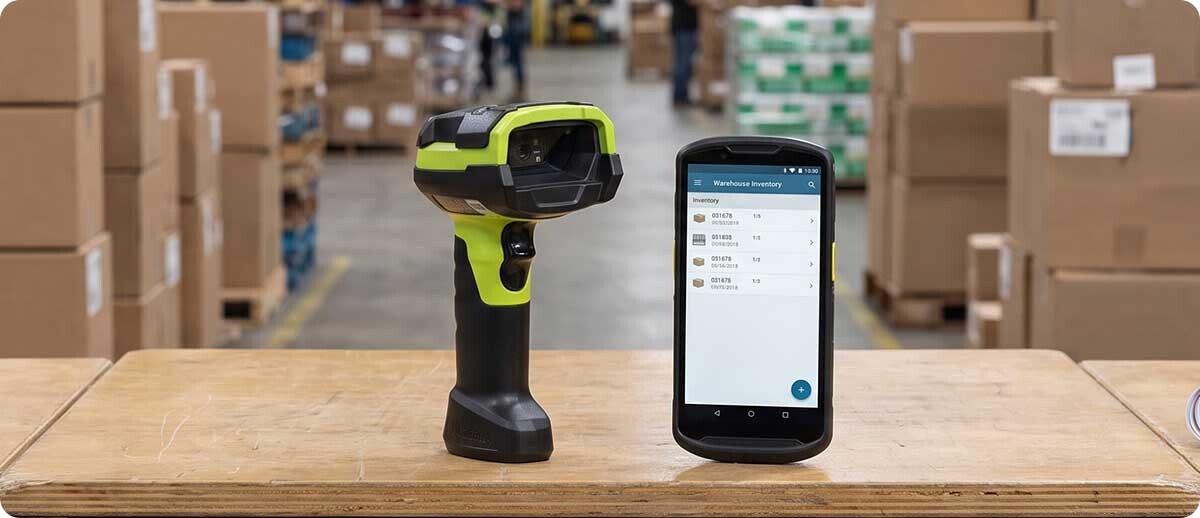
Dedicated scanners also excel in high-volume scan environments where speed and endurance matter more than flexibility. A Zebra DS3678 ultra-rugged cordless scanner survives 10-foot drops, 7,500 tumbles, and dual IP65/IP68 sealing. It pairs over Bluetooth to a host system and scans up to 300 feet from the base. For a worker whose entire job is moving through a facility scanning items all day, a 6-ounce scanner is significantly more comfortable over an 8-hour shift than a mobile computer with a 6-inch display.
Where Handheld Barcode Scanning Devices Hit Their Limits in Field Operations
What does a scanner not do that field operations frequently need?
The limitation of a dedicated scanner isn't the scanning. It's everything that happens after the scan when the worker is away from a fixed station. A scanner sends data but can't display it, process it, or act on it without something else doing that work. In a connected dock door environment with a terminal nearby, that's fine. In field operations where workers are moving through a facility, a yard, a construction site, or between locations, the scanner runs out of usefulness the moment the job requires a decision, a lookup, a form, a photo, or any real-time interaction with the system.
Here are the specific moments where field operations outgrow a scanner:
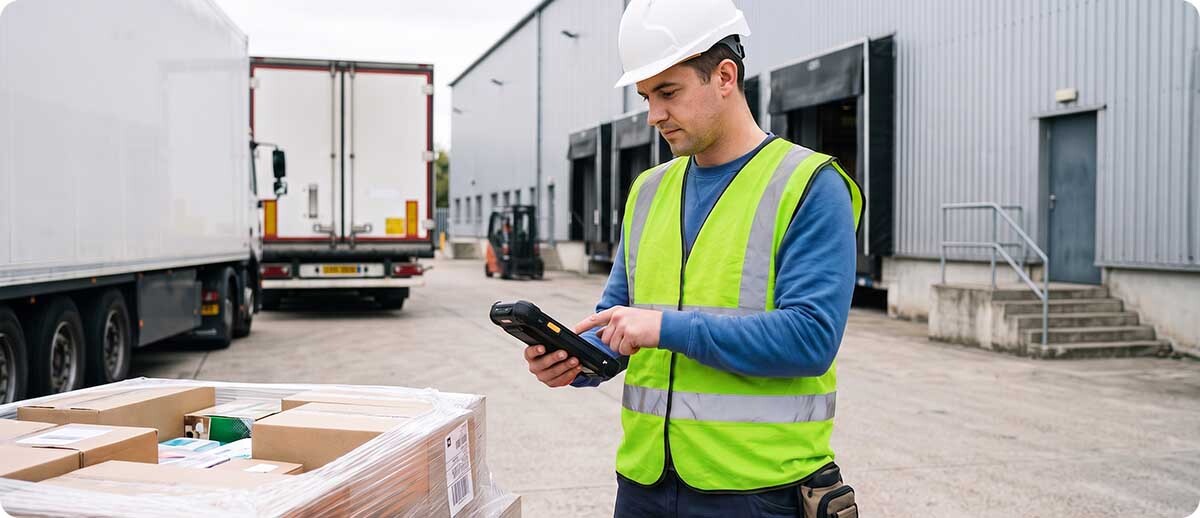
The worker scans and then needs to see something. Inventory levels, location data, order status, customer information. A scanner sends a scan. It doesn't show a response. If the worker needs to read information from the system after scanning, they need a display running an application. That's a mobile computer.
The workflow requires multiple steps. Scan to receive, confirm quantity, assign a location, print a label. A scanner handles the scan event in that sequence. Everything else requires an application running on a device with a display, keyboard, and connectivity. A mobile computer handles the full sequence. A scanner handles one step of it.
The worker moves outside of Wi-Fi or Bluetooth range. A scanner paired to a Bluetooth base station loses its connection the moment the worker leaves Bluetooth range. A mobile computer with Wi-Fi or 5G cellular stays connected across a yard, between buildings, and in environments where a fixed wireless infrastructure doesn't reach.
Data capture needs to go beyond barcodes. Photos for proof of delivery, condition documentation, damage capture, signature capture, form completion, voice communication. None of these happen on a dedicated scanner. They all happen on a mobile computer.
Inventory accuracy requires real-time system confirmation. A scanner logs scan events. A mobile computer running a WMS application confirms inventory accuracy in real time, flags discrepancies, and lets the worker correct errors on the spot rather than discovering them in a batch upload at the end of the shift. In field operations where inventory accuracy directly affects order fulfillment, returns, or asset accountability, that real-time loop is the difference between catching a problem in the field and finding out about it at the end of the day.
The Field Operations Decision Framework
How do you choose between a handheld scanner and a mobile computer for field operations?
Start with the post-scan question. After the worker scans a barcode in the field, what happens next? If the answer is "the scan gets logged and they move to the next item," a scanner handles it. If the answer is "they look at something, do something, or confirm something based on what they scanned," they need a mobile computer.
Then ask the connectivity question. Is the worker always within range of a fixed wireless infrastructure? If yes, a scanner paired to a base or terminal may work. If they roam between buildings, work in a yard, or go to locations without Wi-Fi, they need a mobile computer with its own network connection.
Finally ask the data capture question. Is barcode scanning the only data capture the workflow requires? Or does it also involve photos, forms, signatures, location data, or voice? Any additional data type beyond a barcode scan requires a mobile computer.
| Your Field Situation | Right Device |
|---|---|
| Scan only, fixed station or dock, connected terminal nearby | Handheld scanner |
| Scan plus display, lookup, or decision after the scan event | Mobile computer |
| Worker moves through a facility with consistent Wi-Fi | Mobile computer (Wi-Fi) |
| Worker goes outside, between buildings, or to remote locations | Mobile computer (5G cellular) |
| Multi-step workflow: scan, confirm, locate, label | Mobile computer |
| Photo, signature, or form capture required alongside barcode | Mobile computer |
The Right Device for Each Field Scenario at Advanced Automation
High-volume scanning at a fixed station or dock door
The Zebra DS3678 ultra-rugged cordless scanner is the right handheld barcode scanning device for this scenario. It survives 10-foot drops and 7,500 tumbles, pairs over Bluetooth to a host system up to 300 feet away, and handles 1D and 2D barcodes in virtually any condition. For a worker at a dock door or fixed receiving station whose job is scanning incoming items and passing the data to a connected terminal, the DS3678 covers the full requirement at a lower cost and in a lighter form factor than a mobile computer.
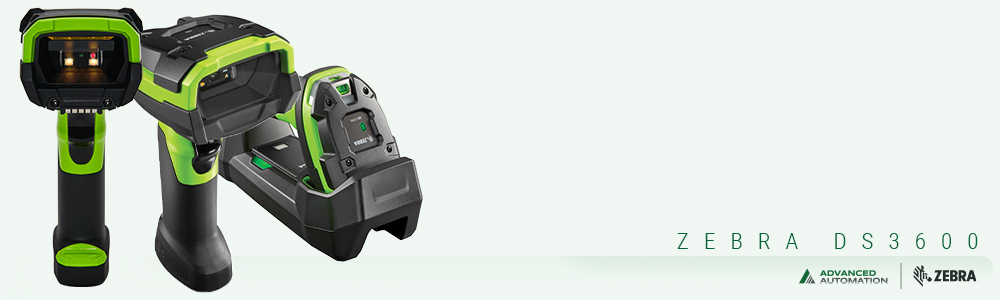
Zebra DS3678 Ultra-Rugged Cordless Scanner
1D/2D | 10ft drop, 7,500 tumbles | IP65/IP68 | BT up to 300ft | SR, HP, ER, DPM configurations
Shop DS3678 Series →Indoor field operations with WMS interaction
For picking, cycle counting, receiving with location assignment, and any workflow where the worker needs to interact with the WMS after each scan, the Zebra TC53 is the standard starting point. It runs on Wi-Fi 6E, handles 6-foot drops, and runs the full Mobility DNA suite including DataWedge for scan data routing. Workers carry the WMS application in their hand and interact with it directly rather than relying on a nearby terminal. The TC73 steps up for more demanding environments with a 10-foot drop rating and 2,000 tumbles.
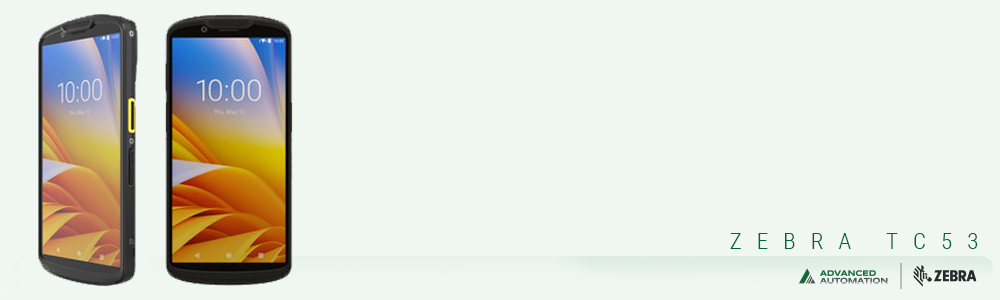
Zebra TC53 and TC73 Mobile Computers
TC53: Wi-Fi 6E, 6ft drop | TC73: Wi-Fi 6E, 10ft drop, 2,000 tumbles | Both: IP65/IP68, SE4770 or SE55
Shop TC53 and TC73 →Outdoor field operations and multi-site workflows
When workers leave the building, a Wi-Fi only device loses its connection. The Zebra TC78 adds 5G cellular to the TC73 platform so workers stay connected to the WMS regardless of whether they're inside the DC, in the yard, at a remote site, or in transit. For field operations that span multiple locations or include outdoor work, the TC78 is the device that keeps the WMS session live through the full shift without connectivity gaps.
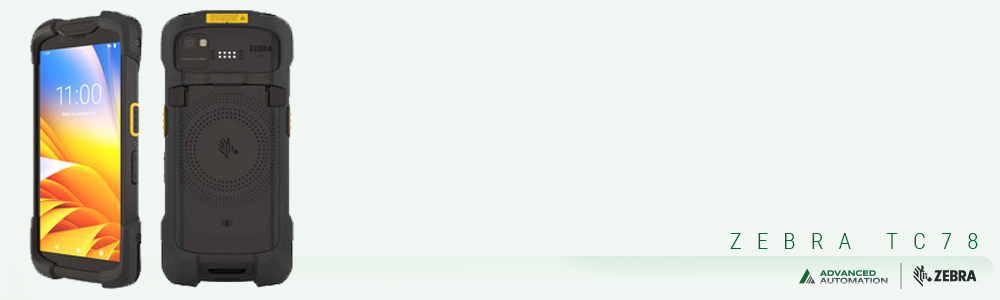
Zebra TC78 Mobile Computer
Wi-Fi 6E + 5G cellular | 10ft drop, 2,000 tumbles | IP65/IP68 | Outdoor and multi-site field operations
Shop TC78 →Field operations with RFID, AI, and advanced data capture
For field operations that involve RFID inventory counting, AI-powered receiving verification, proof of delivery photo capture, or any workflow that pushes beyond standard barcode scanning and WMS interaction, the Zebra TC501 is the current platform of choice. Built-in UHF RFID, a dedicated AI engine, Wi-Fi 7, and a 50MP camera cover the full range of advanced field data capture needs from a single device.
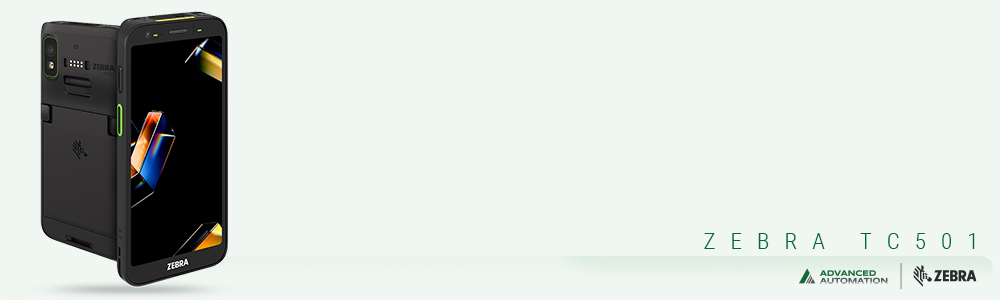
Zebra TC501 Mobile Computer
Wi-Fi 7 | Built-in RFID | AI processor | 50MP camera | 8ft drop | Hot swap battery
Shop TC501 →
Questions We Hear on This
We currently use handheld barcode scanning devices connected to a PC. Do we actually need mobile computers?
If your workers are always near the PC and the scan-and-confirm workflow is working, you probably don't. The friction point usually shows up when a workflow change requires workers to move away from the fixed station, or when the WMS is upgraded to a version that requires real-time interaction rather than batch uploads. If you're not feeling any pain with the current setup, don't change it. If workers are regularly leaving the station and losing visibility into what the system shows, that's the signal to evaluate a mobile computer.
Can we use mobile computers as barcode scanners without paying for all the extra capability?
Yes. A mobile computer running a basic scan-and-send application works exactly like a dedicated scanner from the worker's perspective. You pay more upfront for capability you may not use immediately, but you're also not locked into a scanner if your workflows evolve. Some operations start with mobile computers specifically because they want the flexibility to add WMS integration, photo capture, or other capabilities later without replacing hardware.
How does mobile data capture accuracy compare between scanners and mobile computers?
Both use the same type of scan engine technology and barcode reading performance is essentially equivalent between a quality dedicated scanner and the scan engine in a quality mobile computer at similar price points. The accuracy difference in field operations isn't in the scan itself. It's in what happens after the scan. A mobile computer running a WMS application that validates the scan in real time and flags errors immediately produces better inventory accuracy than a scanner logging events for batch processing, not because it scans better but because errors are caught and corrected on the spot rather than discovered later.
If you're not sure whether your field operation needs a dedicated handheld barcode scanning device, a mobile computer, or a combination of both, fill out the form below. Tell us what your workers are actually doing in the field and we'll give you a straight recommendation before you spend money on the wrong device.