42 Gears SureMDM: What It Does and Why IT Teams Managing Mixed Device Fleets Should Know About It
Posted by Advanced Automation on Jul 22nd 2026
By Advanced Automation, Inc. | Barcode Software | 42 Gears SureMDM Guide
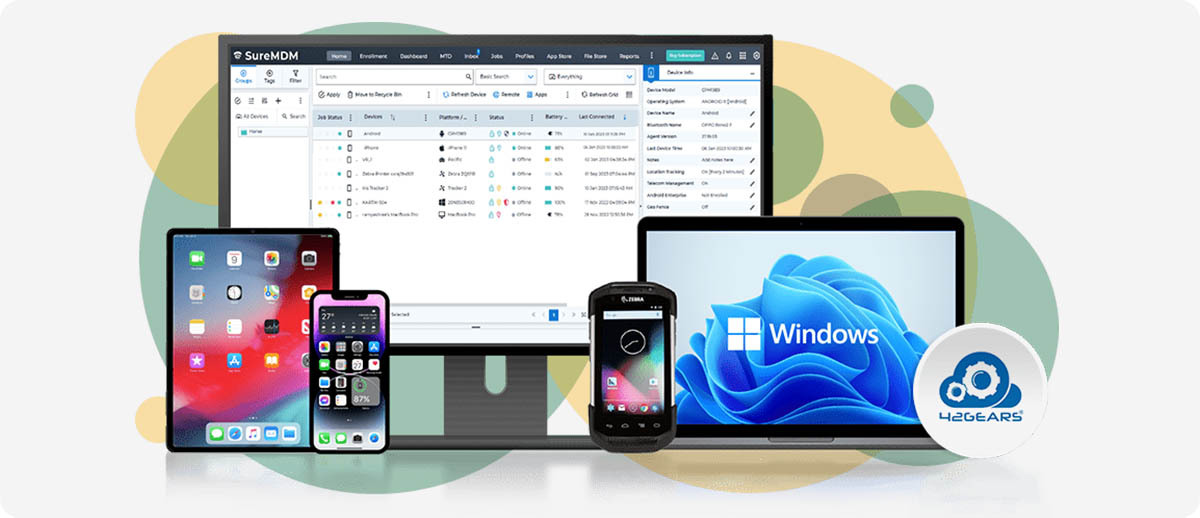
42 Gears SureMDM is a Unified Endpoint Management platform, which is a fancy way of saying it's the single console where you manage every device in your operation regardless of brand, operating system, or form factor. One dashboard for your Zebra TC53s, your Honeywell scanners, your iPads in the conference room, your Windows desktop at the shipping station, and your Android tablets on the production floor. If you've ever managed multiple device types from multiple manufacturers and felt like you were juggling separate management tools for each one, SureMDM is the answer to that specific problem.
What SureMDM Actually Does
What platforms does SureMDM manage?
SureMDM manages Android, iOS and iPadOS, Windows 10 and 11, macOS, Linux, ChromeOS, Wear OS, and IoT devices from a single web-based console. It also extends to what 42 Gears calls Things Management, which covers printers, RFID readers, barcode scanners, and IoT sensors that aren't traditional computing devices but still need to be tracked, configured, and monitored in an enterprise environment.
The practical implication for most operations is that SureMDM is the tool you reach for when Zebra Mobility DNA isn't enough. Mobility DNA is excellent for managing a pure Zebra Android fleet. The moment you have a non-Zebra device, a non-Android operating system, or a printer and scanner that needs to live in the same management picture as your mobile computers, you need something that spans the full device ecosystem. SureMDM is built for exactly that.
How does device enrollment work?
SureMDM supports the major enterprise enrollment methods so you're not manually setting up each device one at a time. For Android devices it works with Android Zero-Touch Enrollment, QR code enrollment, and NFC-based enrollment. For Apple devices it integrates with Apple Business Manager. For Windows it uses Windows Autopilot. For Zebra specifically it supports 42 Gears' One Touch Enrollment which pairs with Zebra's own deployment infrastructure.
Once a device is enrolled it becomes visible in the central console where you can see its status, push configurations, install or update apps, set security policies, and remotely troubleshoot it without physically touching it. For operations with devices spread across multiple locations, or for IT teams managing large device counts, the ability to do all of this from one console without dispatching someone to each device is the time-saving that justifies the software investment.
What is SureLock and why does it matter for frontline deployments?
SureLock is included in every SureMDM plan and it's one of the most practically useful features for operations deploying shared devices. It locks a device down to one or more specific applications, preventing workers from accessing settings, downloading apps, browsing the web, or doing anything outside the intended use case. A shared warehouse scanner that only runs the WMS app. A self-service kiosk that only displays one interface. A shared tablet at a workstation that only opens the application workers are supposed to use.
This matters for two reasons. The first is operational: workers using shared devices for personal use, accidentally changing settings, or installing apps creates IT support overhead that compounds across a large fleet. SureLock removes that surface area entirely. The second is security: a locked-down device that can only run approved applications has a significantly smaller attack surface than an open Android or Windows device.
SureFox, a secure browser that restricts web access to approved URLs, and SureVideo, for managed digital signage, are also included in all plans and add to the kiosk capability without requiring additional software purchases.
Why SureMDM Over Zebra Mobility DNA
If I already use Zebra Mobility DNA, do I still need SureMDM?
That depends entirely on what's in your fleet. Zebra Mobility DNA is purpose-built for Zebra Android devices and it's genuinely excellent at that specific job. StageNow, DataWedge, PowerPrecision Console, and the rest of the Mobility DNA suite do things SureMDM doesn't do specifically for Zebra hardware. If your entire fleet is Zebra Android mobile computers, Mobility DNA may be sufficient for most of your management needs, especially for the free tier that ships with every Zebra device.
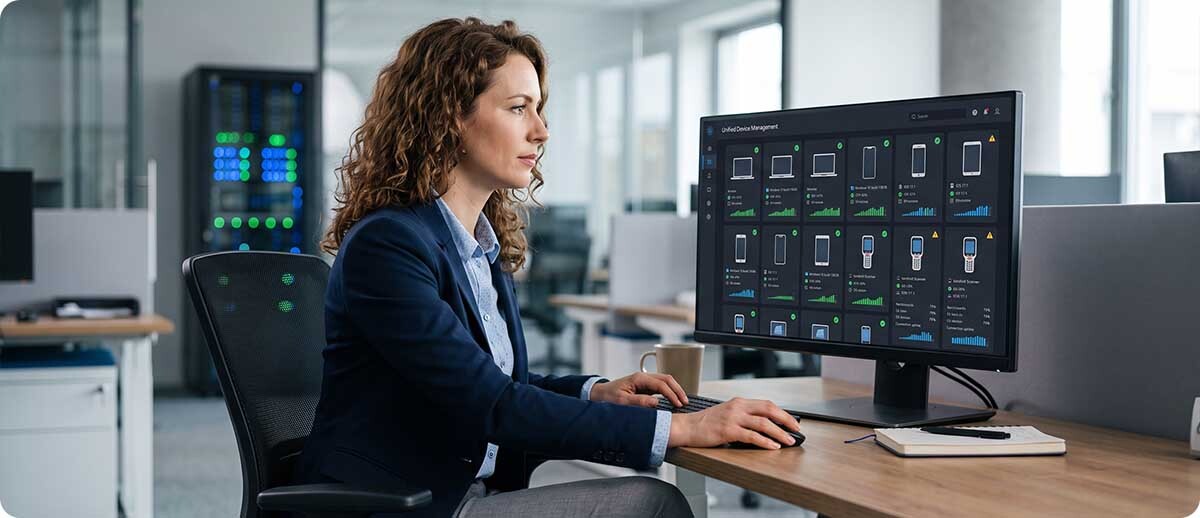
Where SureMDM becomes necessary is the moment your fleet expands beyond Zebra Android. If you have Honeywell devices, the Mobility DNA tools don't apply. If you have iOS tablets used by managers or field teams, Mobility DNA doesn't manage them. If you have Windows workstations that are part of the same operational picture, Mobility DNA doesn't touch those either. SureMDM manages all of those from the same console alongside your Zebra devices. It's the platform that covers the full picture when the fleet isn't a single-brand, single-OS environment.
It's also worth noting that SureMDM has completed Zebra's Enterprise Testing Program, meaning it's been validated to work with Zebra devices at an enterprise level. You don't give up Zebra compatibility by adding SureMDM. You extend your management reach to everything else without losing what Zebra-specific tools already do well.
Features That Matter Most for Industrial Operations
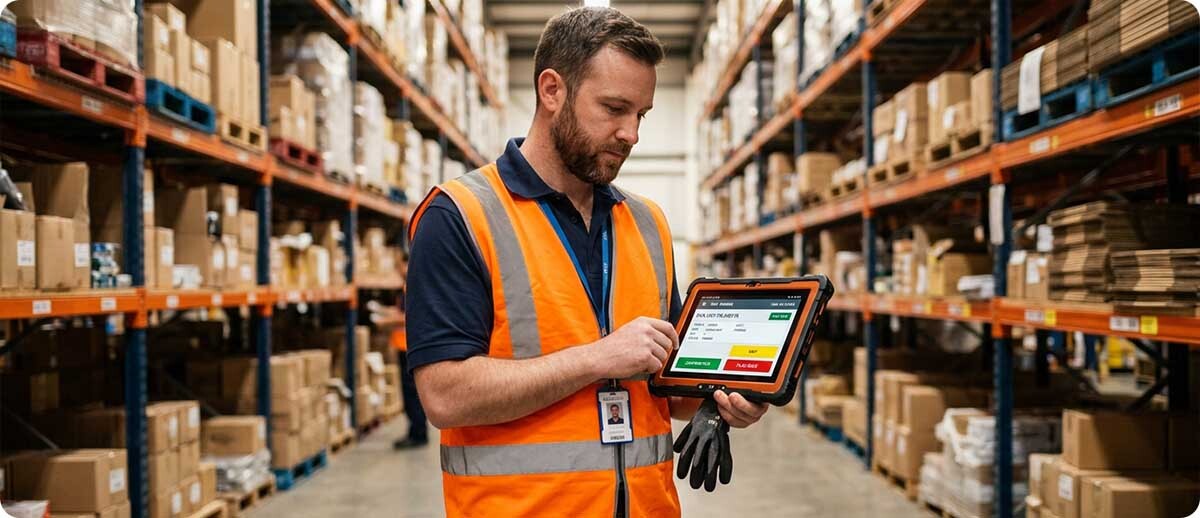
Remote control and troubleshooting. IT can see the device screen and interact with it remotely without the worker having to describe what they're seeing or bring the device to a support desk. In a large facility this saves the support time that accumulates into a real IT labor cost across hundreds of support tickets per year.
Real-time location tracking. Every enrolled device is visible on a map in the console. For operations managing field service teams, multi-location deployments, or just trying to track down a device that went missing on the floor, location visibility from the console removes the detective work from the process.
Geofencing and time-based policies. SureMDM can automatically apply different policies based on where a device is, what time it is, or what network it's connected to. A device that should only run WMS applications during business hours on the facility network can be automatically locked to that use case without manual configuration each shift.
App management across the fleet. Push an app update, change a configuration, or deploy a new application to every device in a group simultaneously from the console. No touching individual devices. No relying on workers to accept update prompts. The fleet stays consistent without IT spending time on each unit individually.
BYOD management. For operations where workers use personal devices to access work systems, SureMDM handles BYOD with a work profile that separates personal and corporate data on the same device. IT can manage and wipe the corporate profile without touching personal data, which is the approach most workers will accept and most legal teams will require.
Questions We Hear on This
We're a small operation with 20 devices. Is SureMDM overkill?
Not necessarily, especially if those 20 devices are a mix of platforms. The time savings on enrollment, remote troubleshooting, and app management add up quickly even at small fleet sizes. Where SureMDM is harder to justify is if all 20 devices are identical Zebra Android devices running a single WMS app with no remote sites and a dedicated IT person who can physically touch each device easily. In that scenario the free Mobility DNA tools might genuinely cover what you need. If the fleet is mixed, remote, or IT resources are thin, the per-device cost of SureMDM tends to pay for itself faster than you'd expect.
Can SureMDM manage our printers and RFID readers, not just mobile computers?
Yes, through 42 Gears' Things Management capability. Printers, RFID readers, barcode scanners, and IoT sensors can be enrolled and managed alongside mobile computers in the same console. This is particularly useful for operations where a device failure or misconfiguration on a printer or RFID reader is just as operationally disruptive as a mobile computer going down. Having all of those devices visible and manageable from one place simplifies the IT picture considerably.
How does SureMDM licensing work?
SureMDM is licensed per device per year, with cloud-based and on-premise deployment options. The cloud version requires no server infrastructure on your end. The on-premise version is for operations with strict data residency requirements or security policies that prohibit cloud-managed device management. Pricing scales with the number of devices and the features required. Contact us through the form below and we can give you current pricing and help you figure out the right license tier for your fleet size and requirements.
If you're managing a mixed fleet and spending more time than you'd like juggling separate tools for different device types, this is worth a closer look. Fill out the form below and let's talk through what your fleet looks like and whether SureMDM is the right fit for what you're managing. Click Here to Learn More!