
Linerless Labels: How They Work, When They Make Sense, and What Your Printer Actually Needs
Posted by Advanced Automation on May 28th 2026
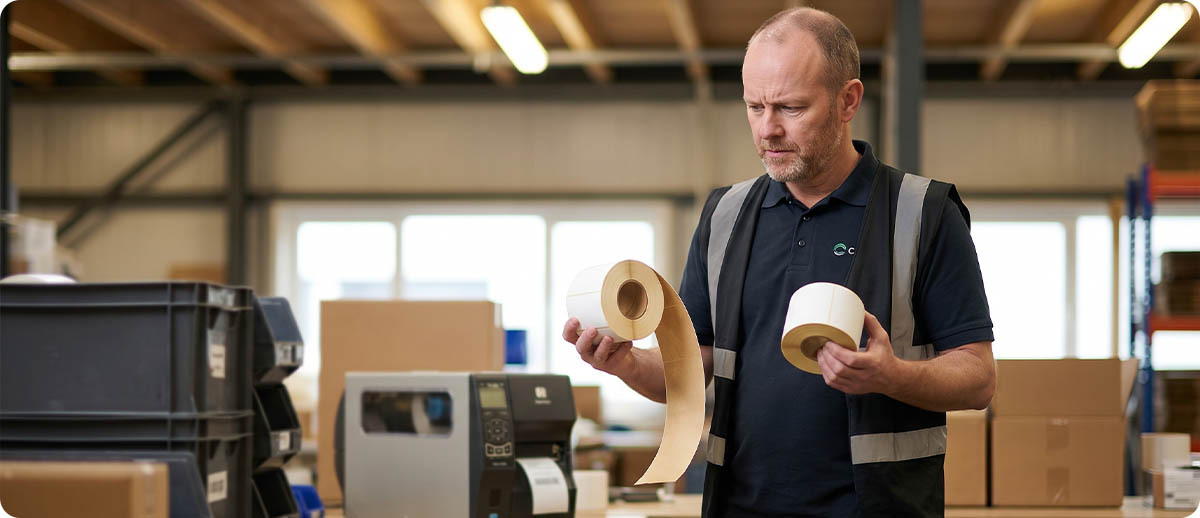
By Advanced Automation, Inc. | Label Technology | Linerless Labels Guide
Linerless labels are not a new concept. The technology has been in commercial use for decades in receipt printing, where the absence of a liner is unremarkable because receipts do not have a liner to begin with. What has changed in recent years is the expansion of linerless technology into barcode label printing — shipping labels, inventory labels, pick labels, field service labels — where the operational and sustainability case for eliminating the liner is significantly more compelling than in a low-volume receipt application.
The operational case rests on three facts. A linerless roll contains 40 to 65 percent more labels than an equivalent-diameter standard roll because the liner takes up physical space on the roll. More labels per roll means fewer roll changes per shift. Fewer roll changes means less downtime, less labor for media management, and fewer opportunities for loading errors. The sustainability case rests on the same fact: eliminating the liner eliminates a waste stream that most operations cannot recycle and must pay to dispose of.
This guide covers the mechanics of how linerless printing works, the printer hardware requirements that make it different from standard label printing, the applications where it delivers a clear advantage, the applications where standard labels are still the correct specification, and the confirmed linerless printer and media options at Advanced Automation.
How Linerless Labels Work
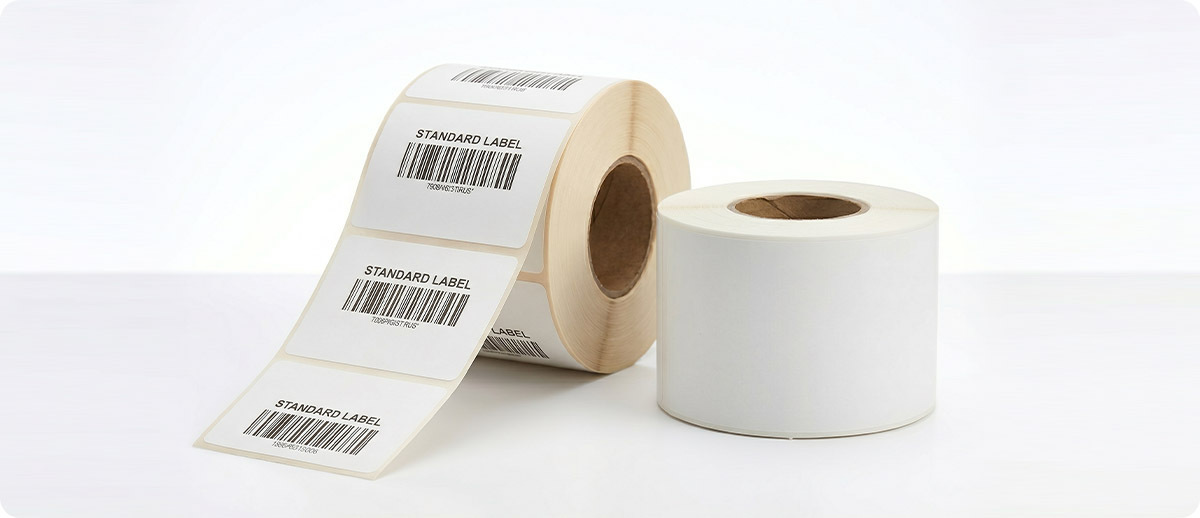
A standard pressure-sensitive label has three layers: the facestock (the printable top surface), the adhesive layer, and the liner (the release paper or film that protects the adhesive and carries the label through the print path). When you peel a standard label, you are separating the facestock and adhesive from the liner and discarding the liner.
A linerless label has two layers: the facestock and the adhesive. There is no liner. To prevent the adhesive on the back of one label from sticking to the printable surface of the label wound beneath it on the roll, the label facestock has a silicone release coating on its top surface. When the roll unwinds, the adhesive on the back of each label releases cleanly from the silicone coating on the face of the label beneath it.
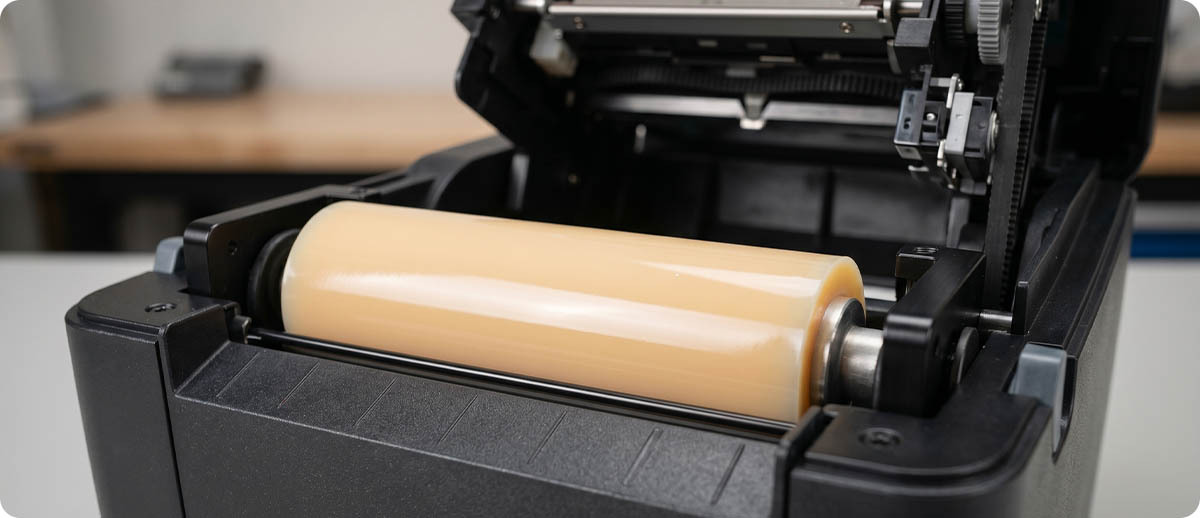
The silicone release coating on the facestock is also what makes linerless printing different from standard label printing at the printer hardware level. In a standard thermal printer, the label passes over a rubber platen roller that presses the media against the printhead. Linerless adhesive contacts that platen roller directly during printing. A standard rubber platen roller accumulates adhesive rapidly and fails within a very short print run on linerless media. Linerless printing requires a silicone-coated platen roller that the linerless adhesive cannot bond to.
The second hardware difference is the cutting mechanism. Standard label printers advance to the gap between labels and tear or cut there. Linerless media has no pre-die-cut gaps. The printer cuts the media at any position determined by the label length programmed in the job, which means every label can be a different length in the same print run. The cutter on a linerless printer must be non-stick coated to prevent linerless adhesive from building up on the cutting blade.
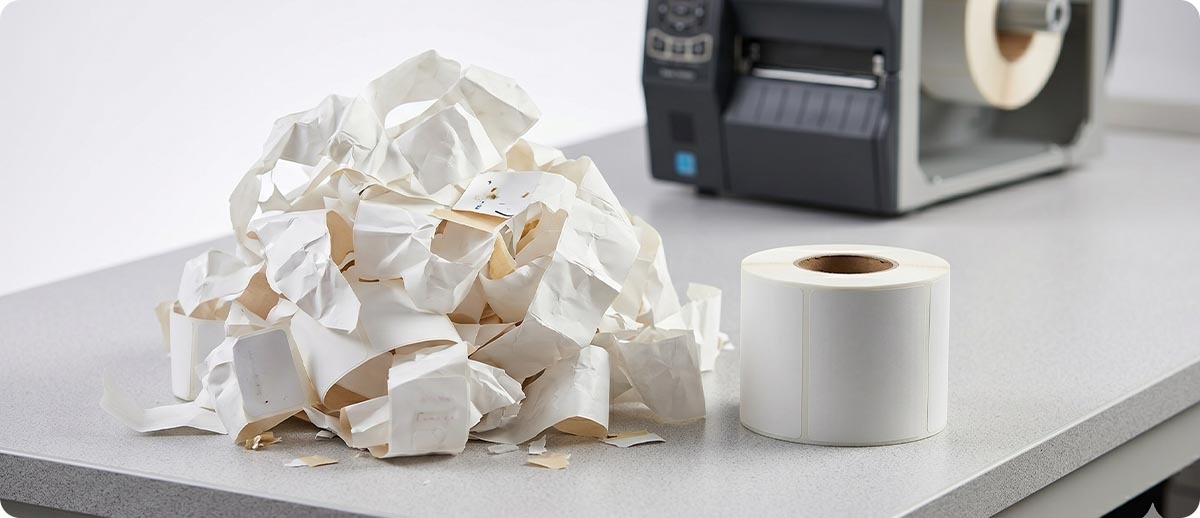
The Operational Case for Linerless
More Labels Per Roll
The liner in a standard label roll occupies physical space on the roll without contributing any labels. A linerless roll of the same outer diameter contains 40 to 65 percent more labels than a standard roll. For a printer producing 4x6 shipping labels, a standard roll might hold 250 labels. The equivalent linerless roll holds 350 to 400 labels. Across a fleet of 10 printers each running 2,000 labels per shift, that is a 40 to 65 percent reduction in roll changes per shift — fewer interruptions, less media management labor, and less risk of loading errors that cause misprints on the first label after a roll change.
Variable Length Labels
Standard pre-die-cut labels are a fixed size. Every label is the same length whether the content requires that length or not. A short pick label printed on a 4x6 stock wastes 2 to 3 inches of blank label at the bottom of every short-content job. Linerless media is continuous — the printer cuts at exactly the length required by the content. A job with variable content lengths produces labels of the exact size needed for each job without waste. For applications where label content length varies significantly between jobs, the media savings from variable-length cutting can be substantial over a production run.
Wrap-Around and Curved Surface Labeling
Because linerless labels have adhesive on the face rather than hidden beneath a liner, they can wrap completely around a cylindrical or curved surface. A linerless label applied to a bottle, cable, pipe, or other curved object adheres to itself as the label wraps, creating a secure, tamper-evident flag label that standard die-cut labels cannot replicate without a more complex construction. This capability is particularly useful in pharmaceutical labeling, cable and wire identification, and food and beverage container labeling where wrap-around labels are a standard format.
Liner Waste Elimination
Label liner is typically made from silicone-coated paper or film. The silicone coating that makes the liner functional as a release material also makes it difficult to recycle in standard paper recycling streams. Most label liner ends up in landfill. For an operation printing one million labels per year, the liner from those labels represents a significant waste stream by weight and volume.
Eliminating the liner eliminates this waste stream entirely. For operations with sustainability reporting requirements, ESG commitments, or customers who require documentation of waste reduction initiatives, linerless label adoption is a measurable and verifiable waste reduction that does not require any operational trade-off in label performance. The label itself is unchanged. The waste simply does not exist.
Where Linerless Makes Sense and Where It Does Not
Applications where linerless is a strong fit:
High-volume shipping and receiving where roll change frequency is a material operational interruption. The more rolls per shift a printer consumes, the greater the operational impact of the 40 to 65 percent reduction in roll changes that linerless delivers. An operation changing rolls four times per shift benefits proportionally more than an operation changing rolls once per shift.
Variable content applications where label length varies between jobs. Linerless variable-length cutting eliminates the media waste of fixed-size die-cut labels on short-content jobs. Any workflow where label content length is not consistent across print jobs is a candidate.
Cold storage environments. Zebra's 8000D linerless label media survives temperatures as low as -75°F (-59°C), making it appropriate for deep-freeze and cold storage labeling applications where standard adhesives fail. The linerless format also means there is no liner to become brittle and crack at low temperatures, which is a common failure mode for standard labels in freezer environments.
Wrap-around applications on cylindrical or curved surfaces where a flag label or full-wrap label is required and standard die-cut labels are not the right construction.
Operations with ESG or sustainability commitments where documented waste reduction is a reporting requirement.
Applications where standard labels remain the better choice:
Applications requiring thermal transfer printing. Current linerless label technology is direct thermal only. Thermal transfer linerless exists but is not widely deployed at the commercial scale of direct thermal linerless. If an application requires the durability of a thermal transfer label — outdoor, chemical, or UV exposure beyond what a direct thermal label handles — standard thermal transfer on a standard lined stock is the current correct specification.
Low-volume applications where roll change frequency is not operationally significant. A printer changing one roll per week does not produce enough roll change labor to make the linerless premium worthwhile. The economics of linerless are most compelling at high volumes.
Applications that require a specific pre-die-cut label shape or a non-rectangular label format. Linerless cutters produce rectangular cuts. Labels requiring a specific die-cut shape require standard liner-based media.
Linerless Printers at Advanced Automation
Advanced Automation carries linerless printers across industrial tabletop, desktop, and mobile form factors from Zebra, Toshiba, Honeywell, and TSC. The correct platform depends on the application's volume requirements, print width, and whether the printer is stationary or mobile.
Industrial Linerless — Zebra ZT411
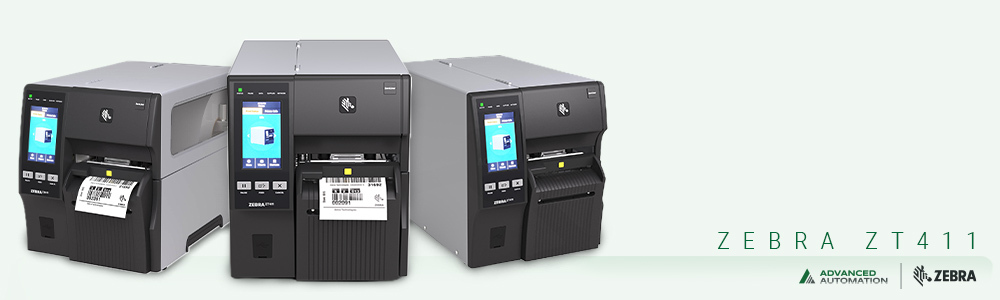
Zebra ZT411 Linerless Industrial Printer
Part #: ZT41143-D910000Z | 4" print width | 300 DPI | Direct thermal | Linerless cutter | USB, Serial, Ethernet, Bluetooth
The ZT411's industrial platform in a linerless configuration. Silicone-coated platen roller and non-stick linerless cutter factory-installed. All-metal frame rated for 24/7 operation. Link-OS with full Zebra Print DNA suite for remote management, firmware updates, and print quality monitoring. For operations that need industrial-grade reliability and throughput at high daily linerless volumes, this is the correct specification.
View Zebra ZT411 Linerless →Zebra ZT411 Industrial Linerless Printer
Part# : ZT41142-D910000Z | 4" print width | 203 dpi | Direct thermal | 24/7 duty cycle
The Zebra ZT411 Barcode Printer (ZT41142-D910000Z) is a versatile, high-performance thermal printer designed for demanding industrial environments. Available in both 4-inch (ZT411) and 6-inch (ZT421) models, the ZT400 Series supports a wide range of labeling applications across manufacturing, logistics, healthcare, and retail operations.
View Zebra ZT411 Linerless →Desktop Linerless — Zebra ZD621
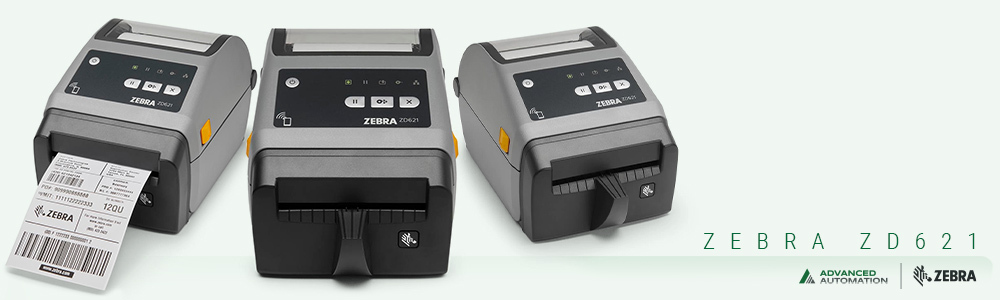
Zebra ZD621 Desktop Linerless Printer
Part#: ZD6A143-D41L01EZ | Desktop linerless | Direct thermal
The Zebra ZD621 printer replaces Zebra’s popular ZD620, GX Series and ZD500 printers, rising above conventional desktop barcoder printers with premium print quality and state of the art features. Available in both direct thermal and thermal transfer models, the Zebra ZD621 printer meets a wide variety of application requirements. It offers the most standard features of any Zebra desktop thermal printer, including an optional 10-button user interface with a color LCD that takes all the guesswork out of printer setup and status. The Zebra ZD621 runs Link-OS and is supported by our powerful Print DNA suite of applications, utilities and developer tools that deliver a superior printing experience through better performance, simplified remote manageability and easier integration. The Zebra ZD621 barcode printer delivers the powerful print speed, print quality and printer manageability you need to keep your operations moving forward.
View Zebra ZD621 Linerless →Mobile Linerless — Zebra ZQ310+ and Zebra ZQ630+
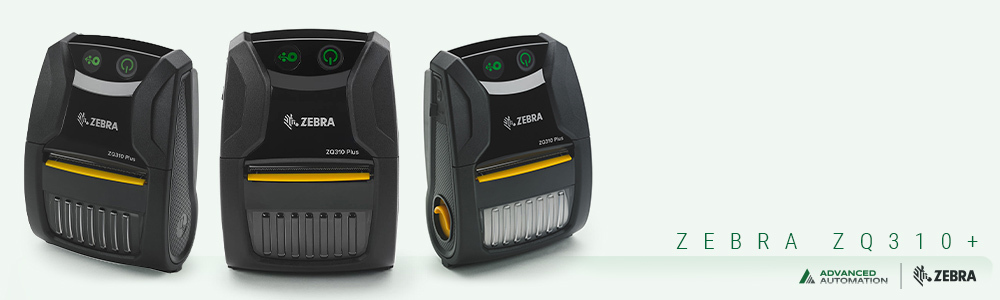
Zebra ZQ310+ Mobile Linerless Printer
Part#:ZQ31-A0E14T0-00 | 2" print width | 203 DPI | Mobile
.The Zebra ZQ310 Plus mobile printing capabilities in your retail store directly impact customer service quality and staff productivity. Time spent by your field workers on writing receipts could be time spent making more customer visits. Available in models for both indoor and outdoor applications, this small wireless mobile printer allows employees to print receipts or labels anywhere, improving the customer experience and increasing revenue. The ZQ310/ZQ310 Plus also allows associates to perform on-the-spot printing of labels to complete markups, markdowns and shelf label audits faster, preventing costly pricing errors.
View Zebra ZQ310+ Linerless →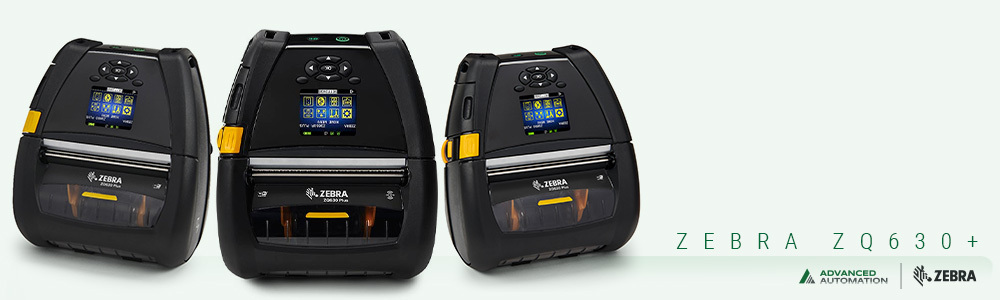
Zebra ZQ630+ Mobile Linerless Printer
Part#: ZQ63-AUFB004-00 | 4" print width | 203 DPI | Rugged mobile linerless
The Zebra ZQ630 Plus (ZQ63-AUFB004-00) is a 4-inch mobile label printer built for warehouse, distribution, and logistics applications. It prints labels and receipts at up to 4.5 inches per second at 203 DPI, with a 6600 mAh PowerPrecision+ battery and Power Smart Print Technology that extends battery life by 20 to 30 percent compared to standard thermal printing. The large color display with status icons shows printer state at a glance, reducing downtime from media or connectivity issues. This configuration connects via Bluetooth 4.2 and is compatible with Zebra's linerless platen roller for linerless label printing. It mounts to forklifts and vehicles using Zebra vehicle mounting accessories and is compatible with QLn420 accessories for operations upgrading from that platform. Drop-rated to 6 feet on concrete with IP43 sealing. Runs Link-OS with Zebra Print DNA for remote management, firmware updates, and integration with enterprise WMS environments.
View Zebra ZQ630+ Linerless→Linerless Label Media
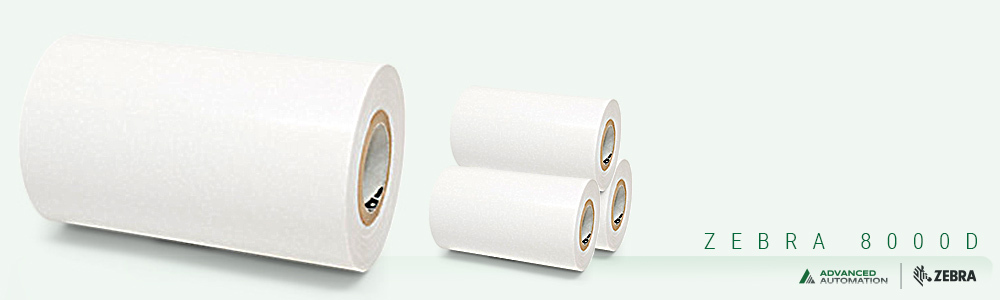
Zebra 8000D Linerless Label
Part #: 10024007 | 3" x 42' continuous | 36 rolls per case | Permanent adhesive | Survives to -75°F
Zebra's premium direct thermal linerless label stock. High-tack permanent acrylic adhesive specifically designed to adhere to small and curved surfaces. Temperature resistance to -75°F makes this the correct specification for cold storage and freezer linerless labeling applications. Requires a linerless platen roller in the printer.
View Zebra 8000D Linerless Media →The Critical Printer Requirement: Linerless-Specific Hardware
This section is worth emphasizing clearly because it is the most common point of confusion for operations considering a switch to linerless. You cannot run linerless label media through a standard thermal printer without hardware modification. Attempting to do so damages the platen roller and produces unusable labels.
A linerless-capable printer requires two hardware elements that a standard printer does not have. The first is a silicone-coated platen roller. Standard rubber platen rollers accumulate linerless adhesive rapidly. The adhesive builds up on the roller surface, creating uneven pressure, feeding problems, and ultimately a roller that cannot be cleaned back to functional condition. A silicone platen roller does not bond with linerless adhesive and allows the media to release cleanly after each label is cut.
The second is a non-stick coated cutter. Linerless adhesive contacts the cutter blade on every cut. A standard cutter accumulates adhesive on the blade, eventually gumming up the mechanism and failing to cut cleanly. A non-stick coated cutter handles linerless adhesive without accumulation.
Some existing Zebra industrial printers can be field-converted to linerless operation with a linerless platen roller kit and the appropriate cutter configuration. Advanced Automation carries the linerless conversion components for supported Zebra industrial models. For operations that have existing ZT-series printers and want to evaluate linerless without purchasing dedicated linerless hardware, the conversion path is worth discussing with our team before any hardware purchase or modification.
Frequently Asked Questions: Linerless Labels
Can linerless labels be used with any barcode scanner?
Yes. The scanning side of linerless labels is identical to standard labels — the barcode is printed on the facestock surface the same way, at the same resolution, with the same ink chemistry as a standard direct thermal label. Linerless labels do not require any scanner configuration change and are read by all standard barcode scanners without modification. The difference is entirely on the printing and application side, not the scanning side.
Are linerless labels as durable as standard labels?
For direct thermal applications under normal warehouse, distribution, and field service conditions, linerless labels perform comparably to standard direct thermal labels of the same facestock grade. The silicone top coat that enables the linerless roll construction also provides some additional abrasion resistance compared to an uncoated direct thermal label. For extreme durability applications — outdoor long-term UV exposure, chemical contact, high heat — the same limitations that apply to standard direct thermal labels apply to linerless direct thermal labels. Thermal transfer linerless options exist for some applications but are not yet widely available at commercial scale.
How do I calculate the savings from switching to linerless?
The calculation has four inputs: label volume, current roll change frequency and labor cost, liner disposal cost, and the cost differential between linerless and standard media per label. Start by calculating your current annual roll changes per printer and multiplying by the labor cost per roll change (typically 3 to 5 minutes including locating the roll, loading it, and calibrating the printer). Add your annual liner disposal cost if you are tracking it. Subtract the savings from 40 to 65 percent fewer roll changes. Then compare the per-label media cost between your current standard labels and the linerless equivalent. For most high-volume operations, the roll change labor savings alone justify the evaluation. Our team can help you build the specific calculation for your operation.
Can I use linerless labels on a Zebra ZD421 or ZD621 desktop printer?
Some ZD621 configurations are available with a linerless platen roller installed for linerless operation. The standard ZD421 and standard ZD621 are not configured for linerless media and cannot run linerless labels without the linerless platen roller and cutter modification. Advanced Automation can advise on which ZD-series configurations support linerless operation and whether a field conversion is available for existing ZD-series desktop printers in your fleet.
If you are evaluating linerless for a specific application — whether that is a new deployment, a conversion of existing hardware, or a question about whether linerless is right for your specific volume and environment — our team has worked through this evaluation across industrial, desktop, and mobile printer platforms. Fill out the form below and let us help you determine whether linerless delivers the ROI for your operation before you commit to a printer change.