Remote Device Management: How to Manage 1,000 Mobile Computers from One Desk
Posted by Advanced Automation on Feb 9th 2026
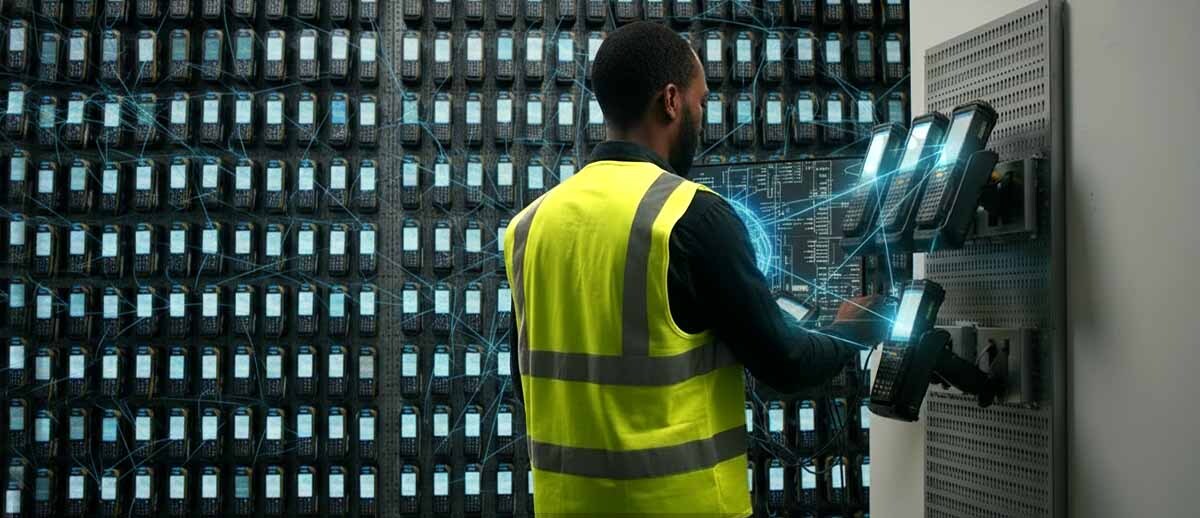
The modern supply chain is a fast-moving machine. From the warehouse floor to the retail storefront, frontline workers rely on rugged handhelds and mobile computers to scan, track, and ship the world’s inventory. But as a fleet grows from a dozen units to 1,000 or more, a significant challenge emerges: how do you keep every device updated, secure, and functional without a massive IT team physically touching every unit?
Remote Device Management (MDM) has evolved from a luxury into a necessity for enterprise operations. Managing a thousand devices from a single desk is no longer a futuristic concept—it is a daily reality enabled by powerful software platforms like Zebra DNA Cloud, 42Gears SureMDM, SOTI MobiControl, and Ivanti Avalanche. These tools provide a "single pane of glass" through which administrators can control the entire lifecycle of their mobile assets.
The Power of Remote Staging and Zero-Touch Deployment
One of the biggest hurdles in managing a massive device fleet is "Day Zero"—the moment the devices arrive at your facility. Manually configuring 1,000 handhelds would take weeks. Modern MDMs utilize remote staging to eliminate this bottleneck. Using tools like Zebra StageNow or SOTI’s Stage Free enrollment, IT managers can create a master configuration profile and deploy it via a simple QR code scan or NFC bump.
With Zero-Touch Enrollment (ZTE), the process is even faster. Devices can be shipped directly from the manufacturer to the end-user. The moment the device powers on and connects to the internet, it automatically downloads its assigned MDM profile, installs necessary apps, and applies security settings. This "out-of-the-box" productivity ensures that your workforce stays focused on the job rather than troubleshooting a new piece of tech.
Enhancing Productivity with Kiosk Modes and App Control
A mobile computer is a tool, not a toy. To maximize productivity and prevent "app creep," MDM solutions offer robust lockdown or Kiosk modes. This allows administrators to restrict a device to a single application—like a warehouse management system (WMS) or a delivery app—or a specific set of tools.
By using application control, you can "allowlist" only the software essential for the job. This prevents users from accessing the open web, social media, or system settings that could lead to accidental misconfiguration. If an employee tries to exit the locked environment, the device can trigger an alert to the central dashboard, allowing the manager to address the issue immediately.
Firmware, OS Updates, and Real-Time Reporting
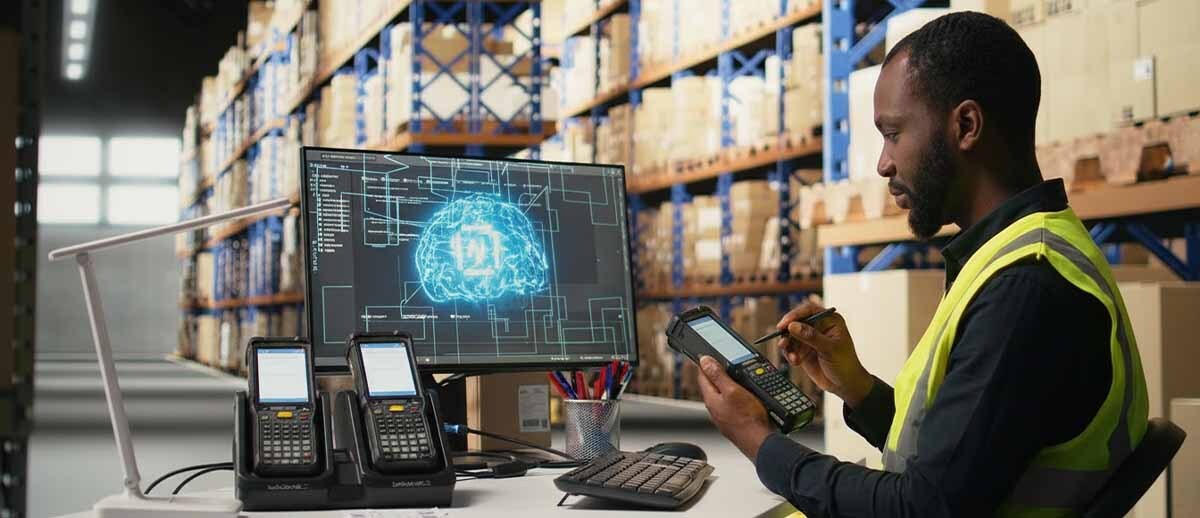
Security vulnerabilities don't wait for a convenient time to strike. Managing the firmware and OS versions of 1,000 mobile computers is a critical task for data integrity. Platforms like Zebra DNA Cloud and Ivanti Avalanche allow for scheduled, silent updates. You can push out a security patch at 2:00 AM across all time zones simultaneously, ensuring that every device is compliant when the morning shift starts.
Real-time reporting and "DeepDive" analytics provide a granular look at the health of your fleet. Administrators can see which devices have low battery health, which ones are running out of storage, and which are currently offline. This proactive approach to maintenance prevents "dead-on-arrival" shifts where a worker picks up a device only to find it has a failing battery or outdated software.
Tracking Lost Devices and Geofencing
In a large-scale operation, devices inevitably go missing. MDM software provides the ultimate insurance policy through location tracking and geofencing. If a device leaves a pre-defined boundary—such as the warehouse perimeter—the system can automatically lock the device, wipe sensitive data, or sound a loud alarm to help recovery efforts. For devices lost within a facility, "Find My Device" features allow IT to trigger a ping or a screen flash, even if the device is in silent mode.
Beyond the Handheld: Managing Printers and Laptops
A common misconception is that MDMs are strictly for phones and tablets. In reality, modern solutions have expanded into Unified Endpoint Management (UEM).
Managing Thermal Printers via MDM
Thermal label printers are the unsung heroes of the warehouse, and managing them has historically been a manual process. However, platforms like SOTI Connect and 42Gears SureMDM (via Link-OS support) can now manage industrial and mobile thermal printers.
- Consumable Tracking: Remotely monitor label rolls and ribbon levels to prevent downtime.
- Firmware Updates: Push global updates to every printer on the network to ensure compatibility with new labeling software.
- Health Alerts: Get notified if a printhead is overheating or if there is a media jam, allowing for a fix before the shipping line grinds to a halt.
Multi-Device Versatility
Can these MDMs manage more than just mobile computers? Absolutely. 42Gears, SOTI, and Ivanti are designed to be cross-platform. They can manage:
- Laptops and Desktops: Full support for Windows 10/11, macOS, and Linux.
- Smartphones: Seamless management of both Android and iOS devices.
- IoT and Rugged Tech: Wearables, RFID readers, and even VR headsets.
This cross-platform capability allows a business to manage its entire digital infrastructure—from the CEO’s MacBook to the forklift driver’s Zebra rugged tablet—under one roof.
Is an MDM Right for You? 5 Questions to Ask
Before investing in a management platform, a business should evaluate its current pain points. Ask these five questions to determine if it’s time to scale:
- How much time is my IT staff spending on manual setup? If you are spending more than 30 minutes configuring a single device, you are losing thousands of hours annually across a large fleet.
- What is the cost of a single lost or stolen device? Beyond the hardware cost, consider the value of the data and the downtime. If one lost device is a catastrophe, you need an MDM.
- Are our devices "distraction-free"? If employees are using work devices for personal tasks or web browsing, your productivity is leaking. Lockdown modes solve this instantly.
- Do we have a unified way to push security patches? If your update strategy relies on users clicking "Update Now," your network is vulnerable. Centralized firmware management is the only way to ensure 100% compliance.
- Are we managing more than just handhelds? If you have printers, laptops, and tablets scattered across different management tools, a UEM/MDM can consolidate those costs and simplify your workflow.
Managing 1,000 mobile computers doesn't require a 1,000-person IT department. It requires the right strategy and a platform that can grow alongside your business. Whether you choose the Zebra-specific optimizations of DNA Cloud or the broad versatility of SOTI or 42Gears, the result is the same: total control, from one desk.